Product details
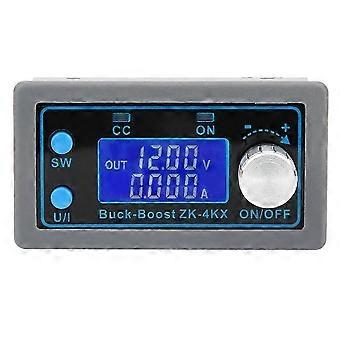
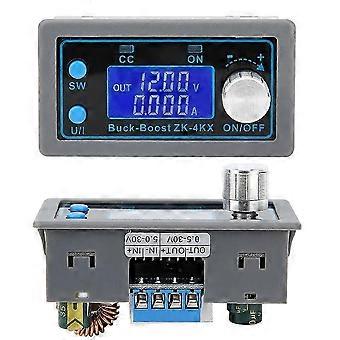
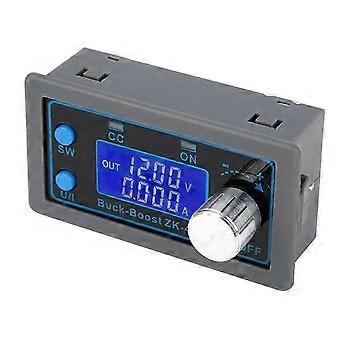
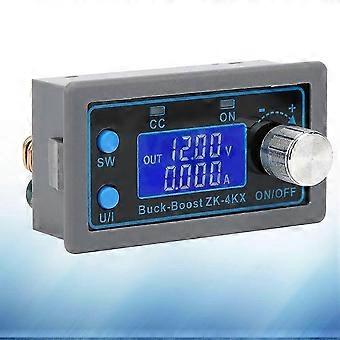
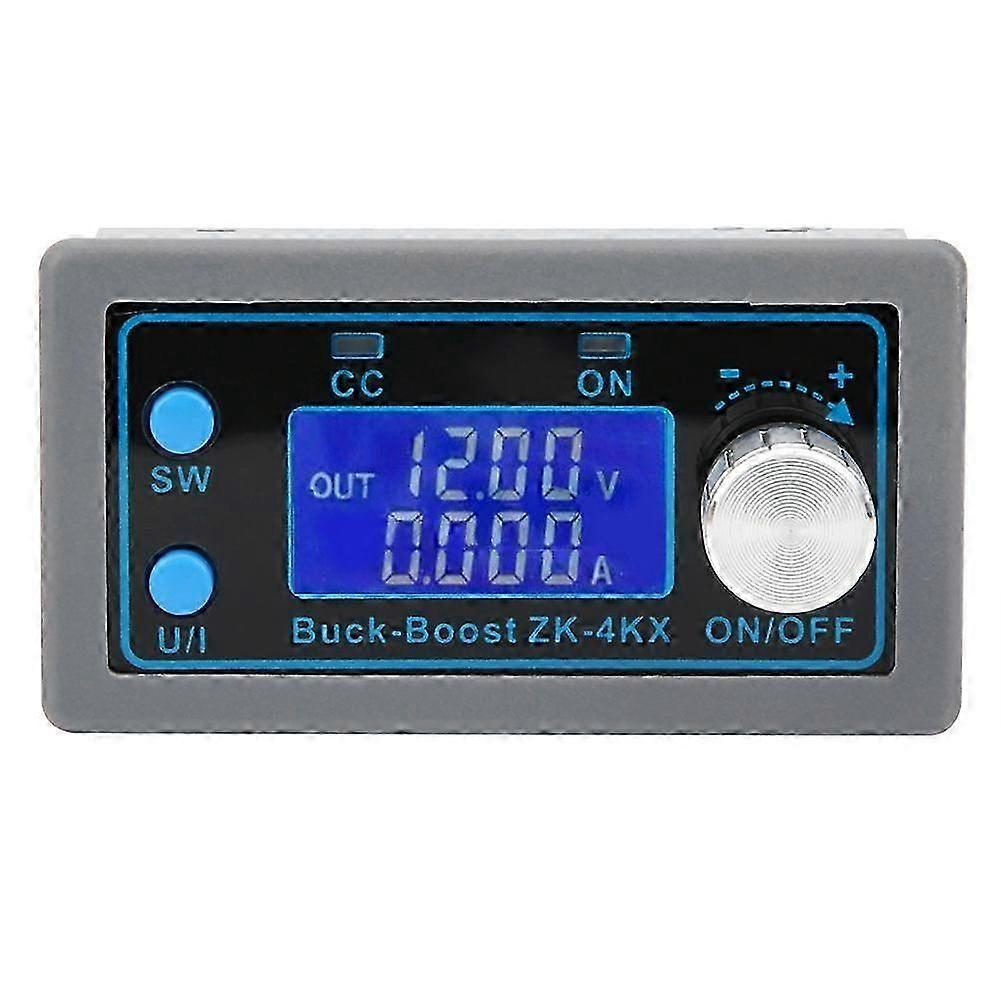
0.530V 4A DCDC BuckBoost Converter Module CCCV Voltage Regulator Display LCD
Item Type: Converter Module
Input Voltage: 5.0-30V
Output Voltage: 0.5-30V
Output Current: Work stably for a long time at 3A, up to 4A with enhanced heat dissipation
Output Power: Natural heat dissipation 35W, enhanced heat dissipation 50W
Voltage Display Resolution: 0.01V
Current Display Resolution: 0.001A
Conversion Efficiency: about 88%
Soft Start: Yes (the module may fail when the high-power load is powered on)
Working Frequency: 180KHZ
Protection Mechanism: Reverse input, anti-backflow output
Input Undervoltage Protection (4.8-30V adjustable, default 4.8V)
Output Over-Voltage Protection (0.5-31V adjustable, default 31V)
Output Overcurrent Protection (0-4.1A adjustable, default 4.1A)
Over Power Protection (0-50W adjustable, default 50W)
Over Temperature Protection (80-110-adjustable, default 110)
Timeout Protection (0-100h adjustable,off by default)
Over-Capacity protection (0-60Ah adjustable, off by default)
How to Use:
1. Switch Display Parameters:
In the normal interface, short press the SW key to switch the offline display content. Current A, power W, capacity Ah, and time h can be switched. Long press can change the height display content, switch between input voltage input and output voltage output.
2. Set the Output Voltage Value:
In the normal interface, short press the U/I button to enter the voltage CC setting interface. A number of the set output voltage is flashing. Rotate the encoder knob to increase or decrease the output voltage. Short press the knob to select the output voltage number to be set. After setting, short press the U/I button twice to return to the normal interface. Otherwise, it will automatically return to the normal interface and will not operate within 10s.
3. Set the Constant Current Value (that is, the maximum output current allowed by the module):
In the normal interface, short press the U/I button to enter the voltage constant current setting interface. Short press the U/I button again to switch to the constant value. It can be seen that the constant current value of a certain bit is flickering. Turn the encoder knob to increase or decrease the value. Short press the encoder to select the number of constant current value to be set. After the setting is completed, short press the U/I button to exit the setting interface and return to the normal interface. Otherwise, it will automatically return to the normal interface and will not operate within 10s.
4. By Default, the module is Set to on/off:
In the normal interface, press and hold the U/I button to enter the parameter setting interface. It displays OPEN OFF or OPEN ON. OPEN OFF means that the output is shut down by default when the machine is turned on, and OPEN on means that the output is turned on by default when the machine is turned on. Press and hold the spin encoder to switch between these two states. After setting, press and hold the U/I button to return to the normal interface.
5. Set the Protection Parameter on and Threshold:
In the normal interface, press and hold the U/I button to enter the parameter setting interface. Short press the SW button until the protection parameter to be set appears.
OUP: Overvoltage protection threshold
OCP: Overcurrent protection threshold
OPP: Overpower protection threshold
OAP: Over-capacity protection threshold
OHP: Overtime protection threshold
OTP: Over temperature protection threshold
-
Fruugo ID:
314468776-1076937678
-
EAN:
9302966891410