Description
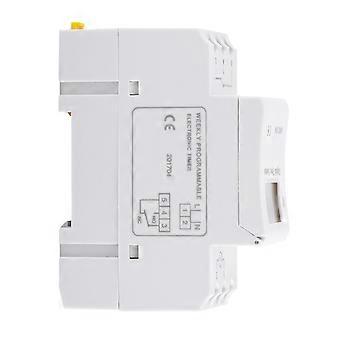
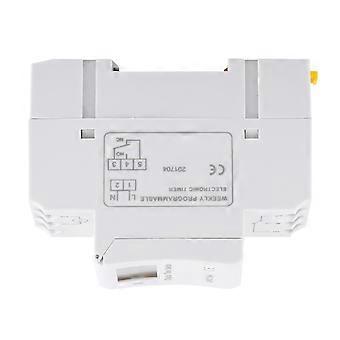
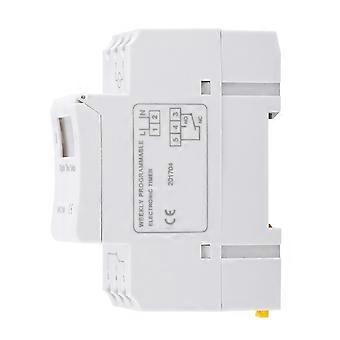
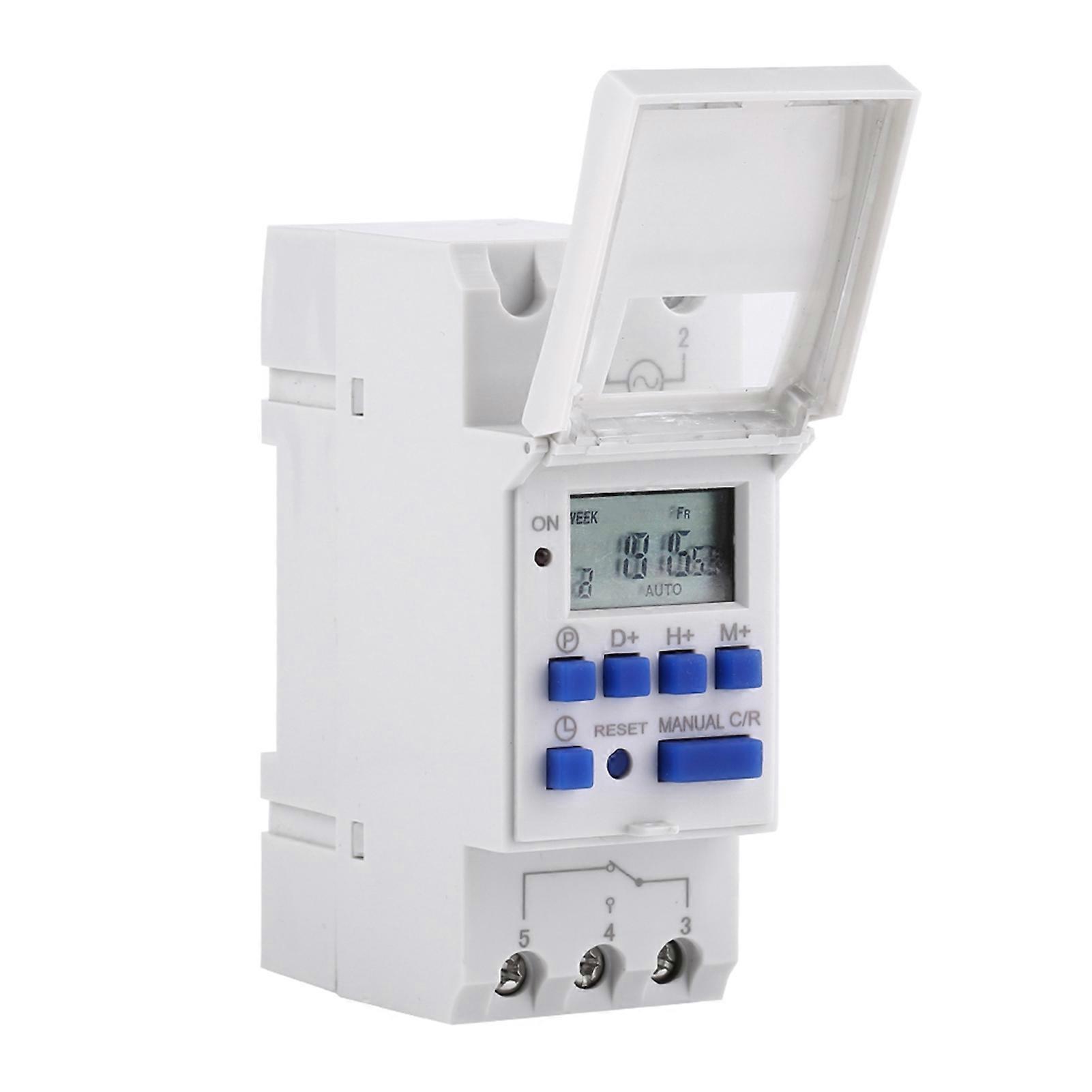
DEWIN LCD Electronic Relay Timer, DIN Rail Digital Time Switch Weekly 7 Day Programmable Electronic Timer Relay 220V with 16 ON/Off Settings (DC 5GR5X
Features
【Function】: Digital timer with daily and weekly preset function, can be preset one week in advance, easy to set up, simple application, long service life.
【Programmable】: The LCD display of the timing relay is programmable, repeatable program of 16 on/off settings, high precision, can be set with minute accuracy.
【Digital Display Time Timer】: LCD displays hours/minutes and on/auto/off in real time. The timer switch can automatically turn on/off various electrical equipment according to the time set by the user.
【High Precision】: The switch timer has a built-in industrial-grade chip, which has high precision, strong anti-interference ability and relatively long service life.
【Wide range of applications】: The control objects of electronic timers can be street lights, neon lights, billboards, production equipment, radio and television equipment, and other electrical equipment and household appliances that require timed switches.
Specifications:
Input Voltage: DC12V, DC24V, AC220V(Optional)
Contact Voltage Rating: AC 180V to 264V(50/60Hz)
Load Capacity: 16A 250VAC(resistive load)
On/Off Operation: 16 on and 16 off(manual/auto)
Display: LCD
Power: 4.5VA(max)
Error: ≤2s/day(25℃)
Mounting Method: DIN rail(not included)
Bound: 1 min to 168 hours
Operating Temperature: -10℃ to 55℃
Size: 86 x 36 x 65mm / 3.38 x 1.41 x 2.56"
Instruction:
1, When you use the timer switch for the first time, input AC and charge the inbuilt battery please, then press reset button.
2, The timer switch is at 24-hour mode as default. Press and hold "time" button(bottom left, next to "reset") for 5 seconds till it display "AM" to set to 12-hour mode. Press and hold again "time" button for 5 seconds to set back to 24-hour mode.
Programming:
Step 1 Press P to set the "1 ON" time (display 1 off).
Step 2 Press D+ to select the days of the week (if you want to use the same setting every day, you do not need to press this button).
Step 3 Press H+/M+ to set the hours and minutes
Step 4 Press P to set the "1 OFF" time (display 1 off).
Step 5 Press P to select the day of the week (you do not need to press this button if you want to set the same setting every day)
Step 6 Press H+/M+ to set the hour and minute.
Step7 Repeat steps 2 to 6 to set other on/off times.
Step8 Press "Time" (bottom left, next to "reset") to end.
Package Includes:
1 x Timer Switch
1 x English Manual
Package List
-
Fruugo ID:
405262545-859713809
-
EAN:
9789622492509
Product Safety Information
Please see the product safety information specific to this product outlined below
The following information is provided by the independent third-party retailer selling this product.
Product Safety Labels

Safety Warnings:
Please do not allow your child to handle this product alone to avoid swallowing or other injuries; adult supervision is recommended.
Ingredients:
As shown in the figure
Delivery & Returns
Dispatched within 2 days
Shipping from China.
We do our best to ensure that the products that you order are delivered to you in full and according to your specifications. However, should you receive an incomplete order, or items different from the ones you ordered, or there is some other reason why you are not satisfied with the order, you may return the order, or any products included in the order, and receive a full refund for the items. View full return policy