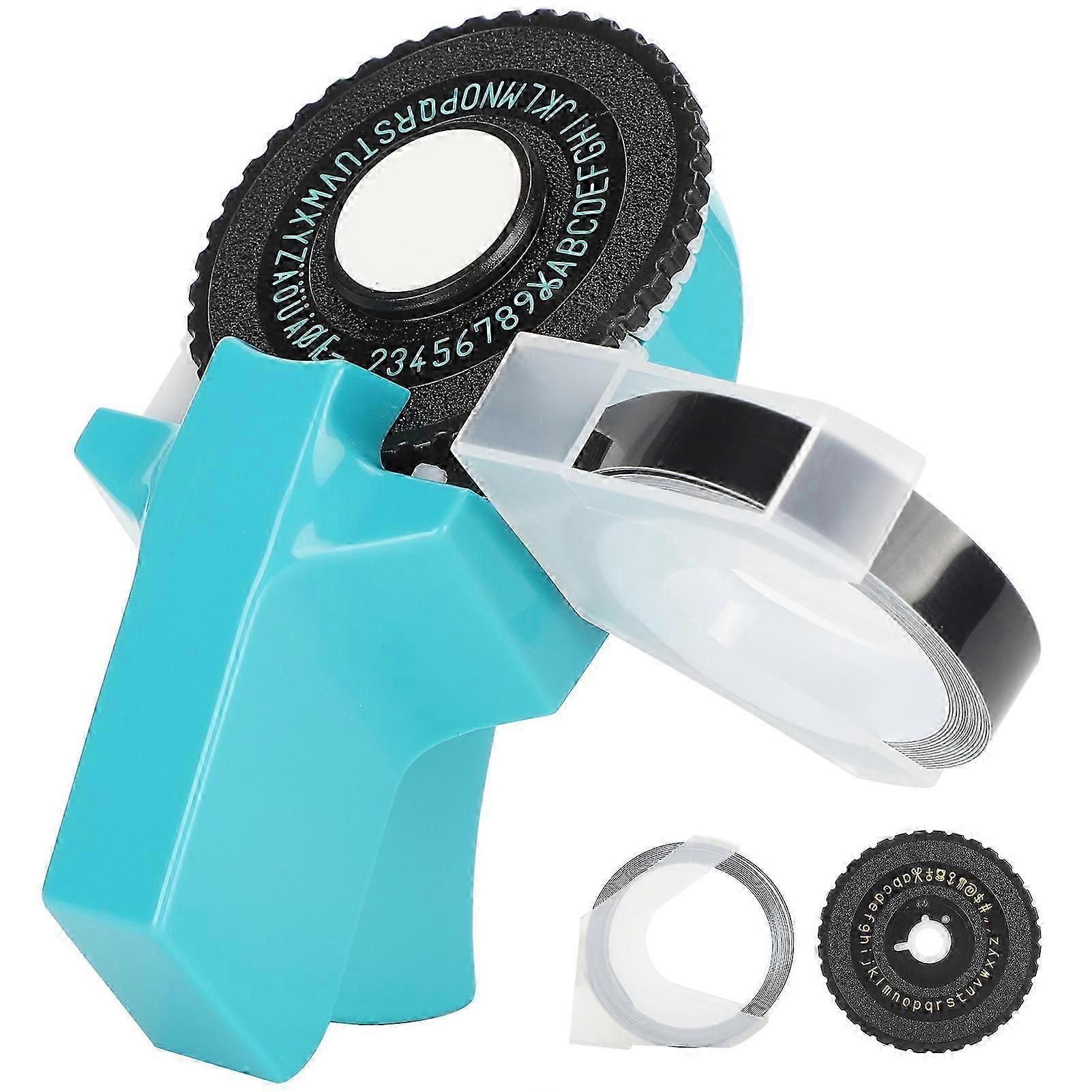
Embossing Label Maker Wheel Writer Mini Manual Handheld Portable Printer Labeling Machine E?101

$29.95
+ $16.99 Shipping

Embossing Label Maker Wheel Writer Mini Manual Handheld Portable Printer Labeling Machine E?101
Sold by:
Embossing Label Maker Wheel Writer Mini Manual Handheld Portable Printer Labeling Machine E?101
$29.95

Save $14.00 (31%)

RRP

$43.95
In stock
+ $16.99 Shipping

14-Day Returns Policy

Payment methods:

  • Brand: Unbranded

Product details

Product details

Embossing Label Maker Wheel Writer Mini Manual Handheld Portable Printer Labeling Machine E?101
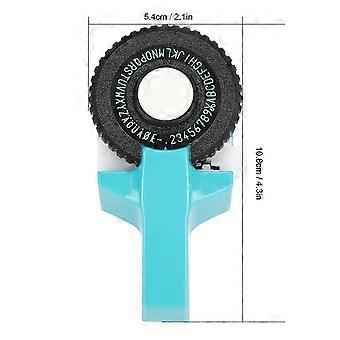
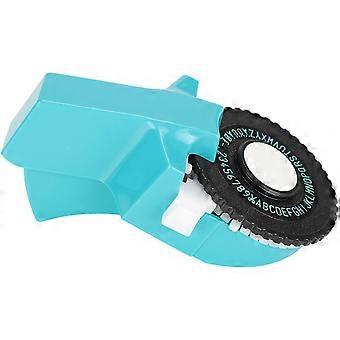
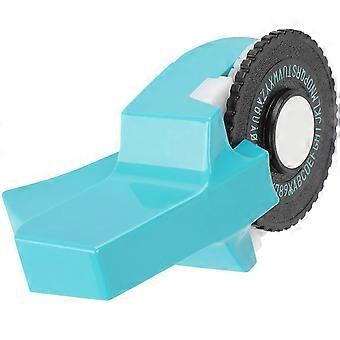
Features: 1.No need for ink, no need to charge for permanent use. Stamping principle, invert the mold on the tape, automatically advance, one?key cutting and disk change, convenient and quick 2.Create good-quality embossed adhesive labels through an intuitive rotating and pressing label system 3.Embossing label maker is ideal for use in scrapbooks, photo albums, DIY projects 4.Easy to use, portable, no battery or power supply required. Mini handy type is easy to carry when going out and effortless to use 5.Come with 9mm special tape, tape comes with adhesive, peel off the adhesive can be pasted on any smooth surface specification:Item Type: Embossing Label Maker Material: ABS Function: Very suitable for scrapbooks, photo albums, DIY projects Tape Length: Approx. 2meter / 6.6ft Tape Width: Approx. 9mm / 0.4in Instructions: 1. Insert the tape into the white pinion port, press the handle continuously, and roll the tape in (note: the handle is pressed with two ridges, half of it is a space, and the bottom is for printing) 2. Bring the tape to about the red line and start typing, the printed word is in the middle 3. Rotate the dial manually, find the word to be printed and press it firmly to the end, that is, type the 1 and 0 of the number, replace the letter 1 and 0 4. After printing, manually turn the dial to the scissors, and press it to the end to cut the tape 5. Tear off the adhesive and stick it where you want to stick (the plane is firm). Remove the remaining tape after disassembling the turntable. Pulling out will cause damage to the tape. Change Dial Steps: 1. Turn to the back of the labeling machine and push the middle button 2. The front logo snap button can be pulled out 3. Pull out the middle logo snap button 4. Take out the dial 5. Put in the dial and install the logo button 6. The change is complete Size: Approx. 5.4 x 10.8cm / 2.1 x 4.3in 5.4 x 5.4cm / 2.1 x 2.1in PackageList:1 x Embossing Label Maker2 x Letter Dial1 Roll of Tape NoteThis model is concave and convex printing, that is, the principle of stamping. It will be clear when typing is pressed hard to the end. The cutting function is to cut a small rectangle to cut off. The edge may not be ideal. Trim with scissors on your own to be beautiful.
  • Fruugo ID: 314279918-1089553176
  • EAN: 650579305343
Safety

Product Safety Information

Please see the product safety information specific to this product outlined below

The following information is provided by the independent third-party retailer selling this product.

Product Safety Labels

CE Mark
Safety Warnings: Replacement must be performed with the assistance of a professional
Ingredients: 95% plastic 5% metal

Delivery

Delivery

Dispatched within 10 days

  • STANDARD: $16.99 - Delivery between Wed. 11 November 2026–Wed. 18 November 2026

Shipping from China.

Returns

Returns

We do our best to ensure that the products that you order are delivered to you in full and according to your specifications. However, should you receive an incomplete order, or items different from the ones you ordered, or there is some other reason why you are not satisfied with the order, you may return the order, or any products included in the order, and receive a full refund for the items.

View full return policy