Description
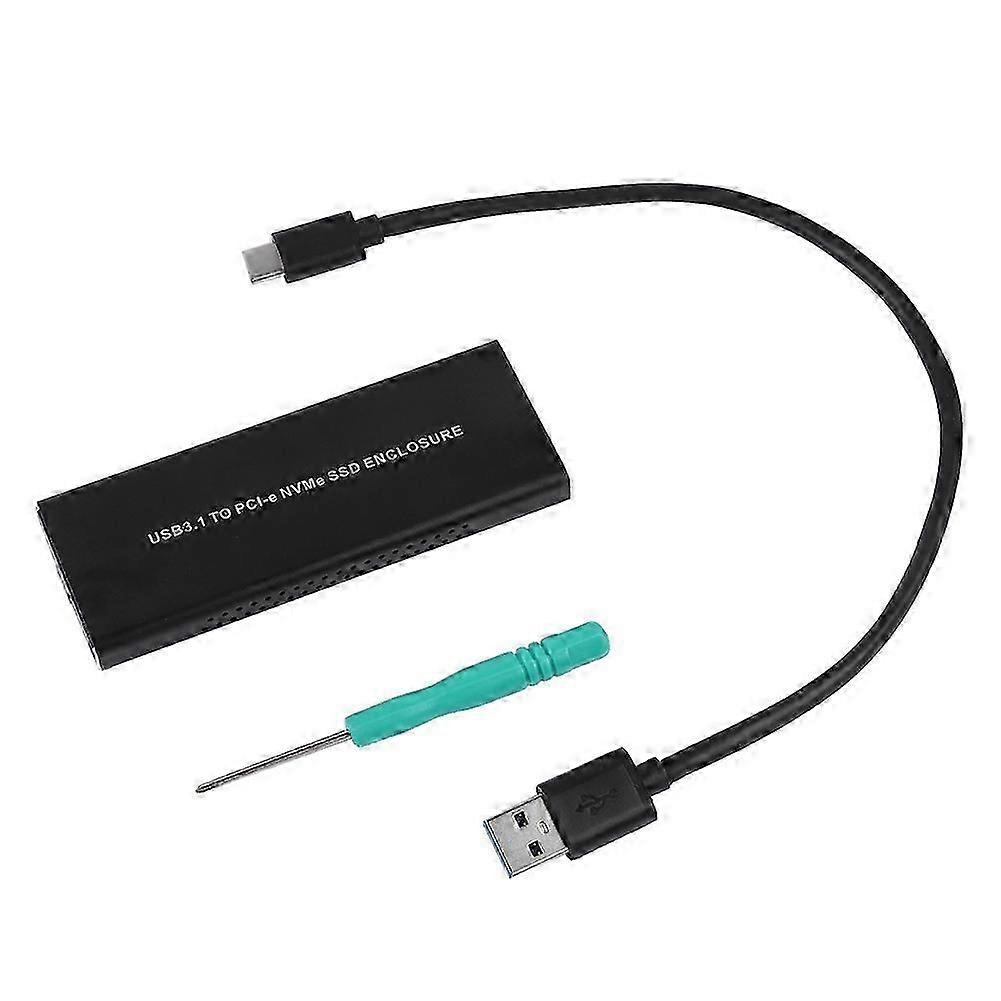
External NVME M.2 to Type C3.1 Mobile Hard Disk Box HDD Enclosure Black
External NVME M.2 to Type C3.1 Mobile Hard Disk Box HDD Enclosure Black
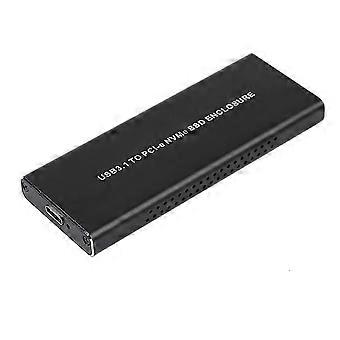
Features:
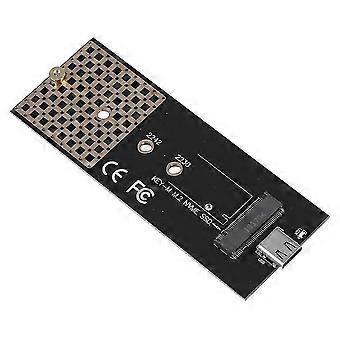
1.USB3.1 Type-C to NVMe M.2 HDD Enclosure - Its performance has been improved several times, which can greatly reduce the delay and greatly reduce the power consumption.
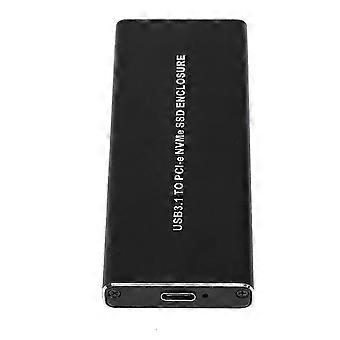
2.TYPE-C interface for strong compatibility.
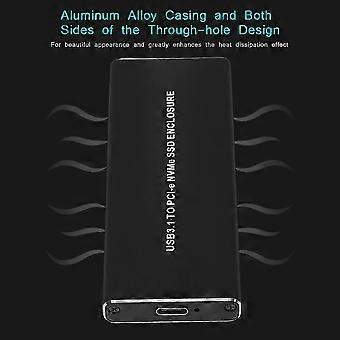
3.Aluminum alloy casing and both sides of the through-hole design - For beautiful appearance and greatly enhances the heat dissipation effect.
4.Support hot swap - Driver-free, easy to use.
5.With indicator for easy control.
specification:This product is suitable for M.2 SSDs of PCI-E (M-KEY) interface, and the PCI-E interface implements the NVMe protocol standard. All currently available on the market only support PCI-E type M.2 hard disk, does not support M.2 hard disk under SATA protocol.
USB3.1 Type-C to NVMe M.2 HDD Enclosure - Its performance has been improved several times, which can greatly reduce the delay and greatly reduce the power consumption.
TYPE-C interface for strong compatibility.
Aluminum alloy casing and both sides of the through-hole design - For beautiful appearance and greatly enhances the heat dissipation effect.
Support hot swap - Driver-free, easy to use.
With indicator for easy control.
Comfortable using experience and long service life.
:
Type: USB3.1 Type-C to NVMe M.2 HDD Enclosure
Protocol: NVMe
Connector: TYPE-C
Weight: Approx. 101g
Package list:
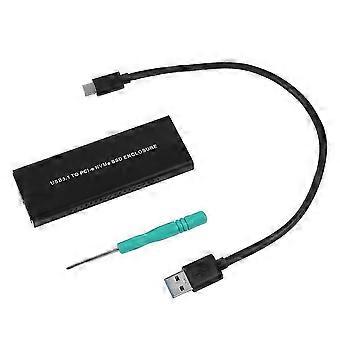
1 * HDD Enclosure
1 * Data Cable
1 * Screwdriver
Installation Steps:
1. Fasten the rear flap to the rear of the casing and lock the screws.
2. Insert the NVMe hard disk into the interface and flatten it at the end of the board.
3. Clamp the metal copper column to the bottom of the SSD, insert the corresponding hole in the PCB board, and lock it with the fixed screw.
4. Insert the adapter plate with the fixed SSD into the outer casing clock, and fasten the front blank correspondingly, then lock it with the screws.
-
Fruugo ID:
465727536-978719732
-
EAN:
9098193790267
Product Safety Information
Please see the product safety information specific to this product outlined below
The following information is provided by the independent third-party retailer selling this product.
Product Safety Labels

Safety Warnings:
Important Safety Instructions
Read Before Use: Please read all instructions and safety warnings before using this product. Failure to follow these guidelines may result in injury, damage, or malfunction.
General Warnings
Intended Use: Use this product only for its intended purpose as described in the user manual.
Supervision Required: This product is not intended for use by children or persons with reduced physical, sensory, or mental capabilities without supervision.
Inspection Before Use: Check for any signs of damage or wear before use. Do not use if damaged.
Delivery & Returns
Dispatched within 4 days
Shipping from China.
We do our best to ensure that the products that you order are delivered to you in full and according to your specifications. However, should you receive an incomplete order, or items different from the ones you ordered, or there is some other reason why you are not satisfied with the order, you may return the order, or any products included in the order, and receive a full refund for the items. View full return policy