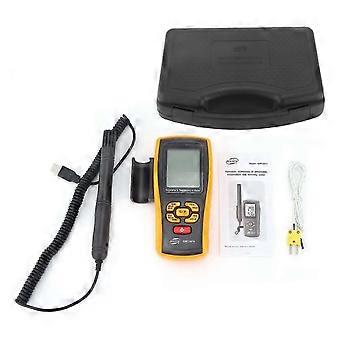
GM1361+ Electronic Thermometer Hygrometer Handheld Portable Temperature Humidity Meter

$139.00
+ $12.99 Shipping

GM1361+ Electronic Thermometer Hygrometer Handheld Portable Temperature Humidity Meter

  • Brand: Unbranded

GM1361+ Electronic Thermometer Hygrometer Handheld Portable Temperature Humidity Meter

  • Brand: Unbranded
RRP: $169.00
Price: $139.00
You save: $30.00 (17%)
Sold by:
$139.00
+ $12.99 Shipping

In stock

14-Day Returns Policy

Payment methods:

Description

GM1361+ Electronic Thermometer Hygrometer Handheld Portable Temperature Humidity Meter

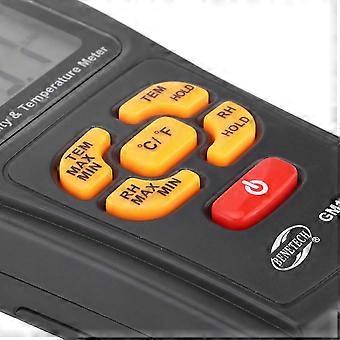
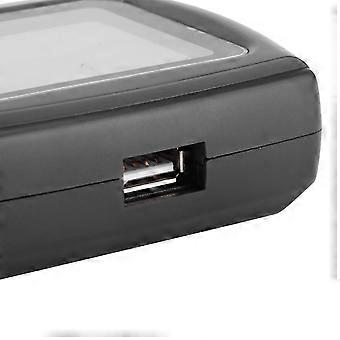
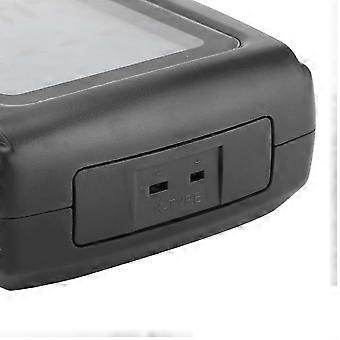
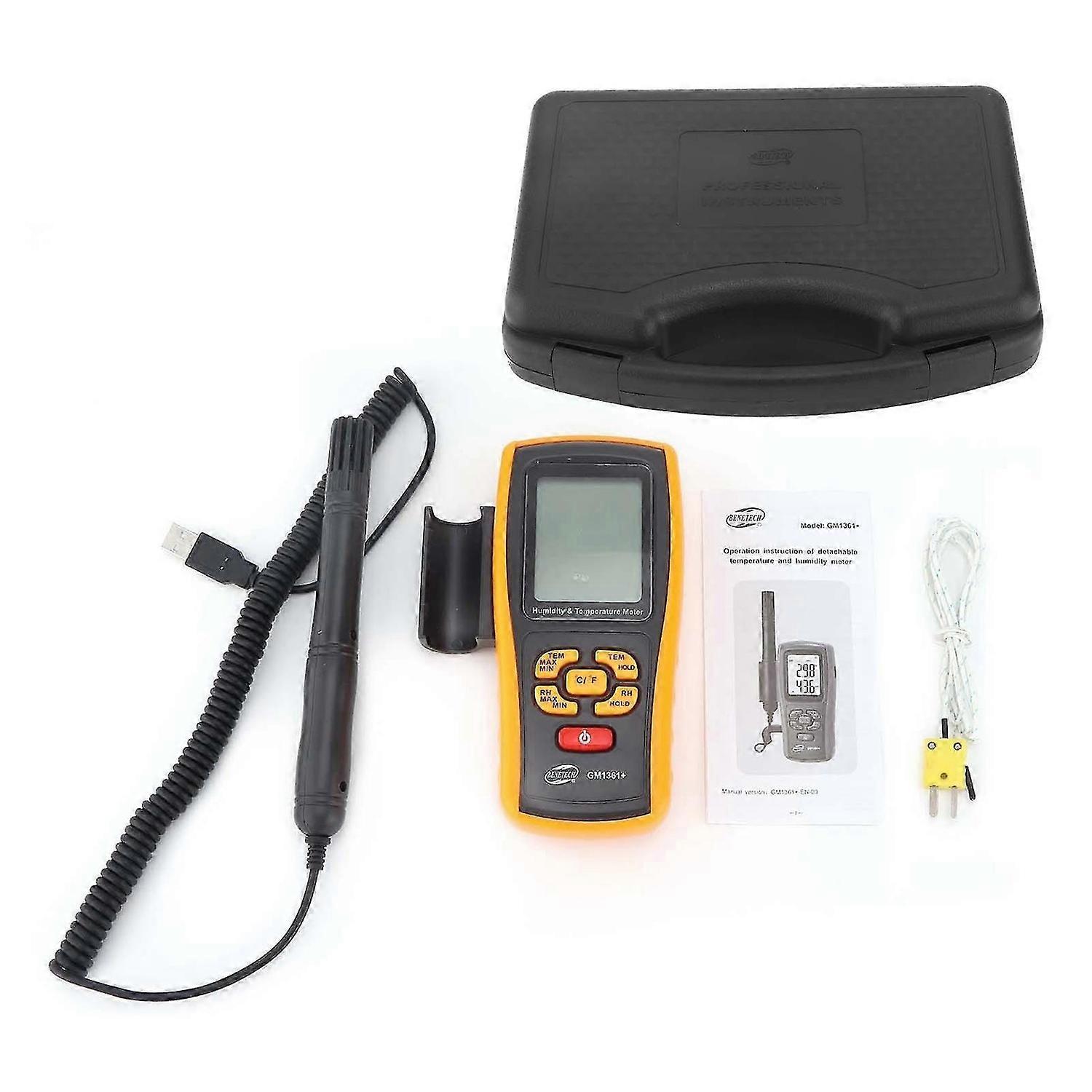
Feature:1. Bluetooth function is added, so you can query data quickly, convenient and practical.2. It is light in weight, small in size, easy to carry, and does not take up space.3. Highaccuracy temperature and humidity measurement, the value is more accurate.4. With highdefinition screen, data is clear, and reading is more convenient and quick.5. The thermohygrometer made of highquality ABS is durable and has a long service life.Specification:Item Type: Electronic Thermometer Hygrometer Model: GM1361+Material: ABSBattery: 4 x 1.5V AAA battery (battery not included)Purpose: Industrial temperature and humidity measurementProjectMeasuring RangeResolution AccuracyResponse TimeThermocouple Temperature-50~12000.12.0 or 0.4%30SEnvironment Temperature-10~500.10.130SEnvironment Humidity0~99%RH0.1%RH5%6SDew Point Temperature-20~500.1230SWet Bulb Temperature-20~500.1230SHow to Use:Interface Selection:1. Long press the "RH Maximum Minimum" key, REC, READ, DEL or one of them will flash at the same time, short press the "/F" key to cycle flashing display REC/READ/DEL, REC, READ.DEL short press " RH Maximum Minimum" key determines the selected interface.2. REC/READ/DEL flashes at the same time, indicating that the normal measurement interface is selected. Short press the RH Maximum Minimum key to confirm and enter the normal measurement interface. REC/READ/DEL will no longer be displayed.3. REC flashes, indicating that the automatic data recording interface is selected. The number displayed at the bottom of the screen is the time interval for automatic recording. At the same time, there will be a "T icon displayed. The time interval can be changed by the increase and decrease keys. The time unit is seconds. Short press RH. After the Maximum Minimum key is confirmed, enter the automatic data recording interface, the REC icon will always be displayed, and the humidity value will be displayed at the bottom of the screen. After that, the data will be automatically recorded every set interval. In the automatic data recording interface, you can also increase The minus key changes the interval time of automatic recording. After pressing the plus or minus key, the interval time will be displayed briefly at the bottom of the screen, and then the humidity value will be displayed again.4. When the READ flashes, it means the interface for reading the stored data is selected. The number displayed at the bottom of the screen is the number of the stored data to be read. If there is no stored data, it will display ". The number can be changed by the up and down keys, and short press RH Maximum After confirming the Minimum" key, enter the read storage data interface, the READ icon will always be displayed, and the humidity value will be displayed at the bottom of the screen. At this time, you can also change the number through the increase and decrease keys, and view the data of other numbers. After the increase and decrease keys are pressed, , The data number will be displayed at the bottom of the screen for a short time, and then the humidity value will be restored. (Up to 999 sets of data can be recorded). When DEL is flashing, it indicates that the interface for deleting stored data is selected. The number displayed at the bottom of the screen is the number of the stored data to be deleted. If there is no stored data, it will display "--". You can change the number through the up and down keys. Short press the RH Maximum Minimum key to confirm and enter the delete storage data interface. The DEL icon will always be displayed, and the humidity value will be displayed at the bottom of the screen. Change the number through the increase and decrease keys, and prepare to delete the data of other numbers. After the increase and decrease keys are pressed, the data number will be displayed at the bottom of the screen for a short time, and then the humidity value will be restored. At this time, short press the / key to delete the selection. For the data with a given number, the data after the number will move forward one position in turn, the data number will be displayed at the bottom of the screen for a short time, and then the humidity value will be recovered; long pressing the / key will delete all data, and the bottom of the screen will briefly display 0 ..Package List:1 x Electronic Thermometer Hygrometer (Battery Not Included)1 x Sensor Pen1 x K-Type Thermocouple1 x Manual 1 x Tool Box
  • Fruugo ID: 387487891-831843648
  • EAN: 6950044982074

Product Safety Information

Please see the product safety information specific to this product outlined below

The following information is provided by the independent third-party retailer selling this product.

Product Safety Labels

CE Mark
Safety Warnings: Read instructions before use
Ingredients: 75% plastic and 25% metal

Delivery & Returns

Dispatched within 10 days

  • STANDARD: $12.99 - Delivery between Fri. 30 January 2026–Fri. 06 February 2026

Shipping from China.

We do our best to ensure that the products that you order are delivered to you in full and according to your specifications. However, should you receive an incomplete order, or items different from the ones you ordered, or there is some other reason why you are not satisfied with the order, you may return the order, or any products included in the order, and receive a full refund for the items. View full return policy

Product Compliance Details

Please see the compliance information specific to this product outlined below.

The following information is provided by the independent third-party retailer selling this product.

Manufacturer
The following information outlines the contact details for the manufacturer of the relevant product sold on Fruugo.

  • Shenzhenshiaichuangyouwangluokejiyouxiangongsi
  • MEIQUAN PAN
  • 517-C, Block 543, Bafengling Industrial Zone
  • Bagua 2nd Road, Hualin Village District, Yangling Street, Futian District
  • Shenzhen 518000 China
  • Shenzhen
  • CN
  • 518000
  • xincheng23@hotmail.com
  • 18679230808

Responsible Person in the EU
The following information outlines the contact information for the responsible person in the EU. The responsible person is the designated economic operator based in the EU who is responsible for the compliance obligations relating to the relevant product sold into the European Union.

  • Axitera GmbH
  • Axitera GmbH
  • Kreuznacher Str. 30, D-60486 Frankfurt am Main, Hessen, Germany
  • Frankfurt
  • Germany
  • D-60486
  • infonoticeeran@gmail.com
  • (+49) 6934873848