Product details
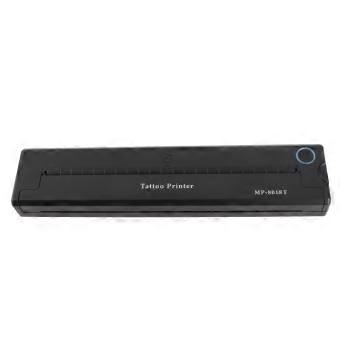
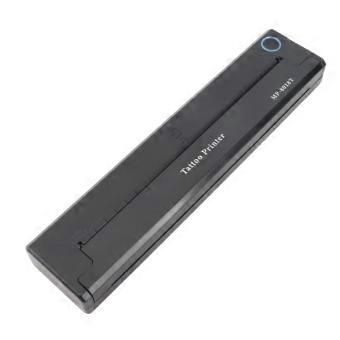
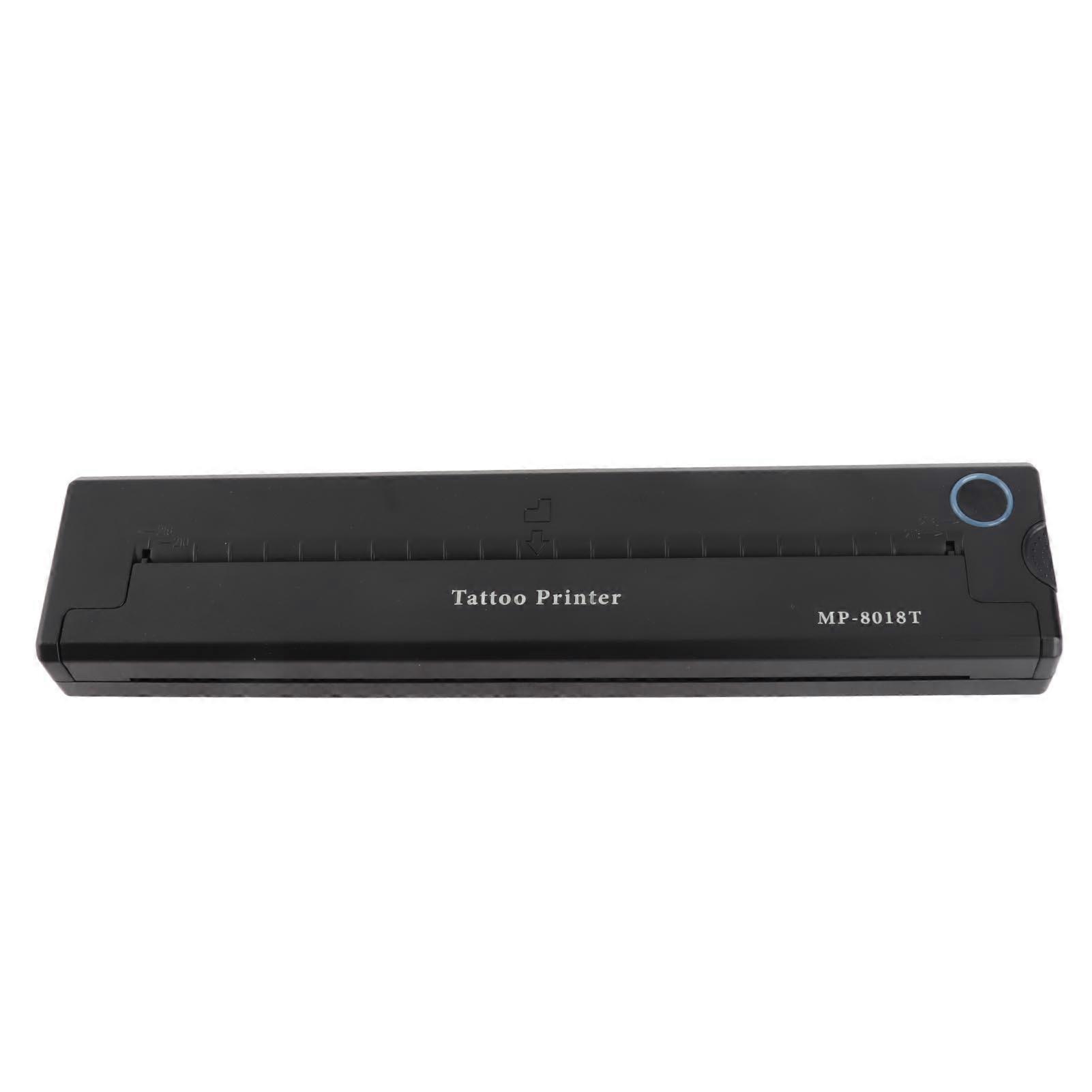
Printer Machine Mini 2000mAh Wireless Thermal Stencil Printer for Tattooist Black
Feature:
1. Time Saving: Transfer machine features USB and Bluetooth interfaces that allow you to select desired patterns on your PC or mobile app, instantly transferring the design onto transfer paper in seconds.
2. Easy To Operate: The machine automatically fixes the transfer paper. Simply operate through the app and efficiently duplicate designs onto transfer paper.
3. Clear Transfer: Utilizing thermal printing technology, transfer machine delivers high resolution and clear transfers without the need for part replacement or ink refills.
4. Wireless Operating: Equipped with a built in 2000mAh battery, transfer machine frees artists from the constraints of traditional power connections.
5. ABS: Transfer machine is made of lightweight ABS material, making it compact and portable for tattooist to carry around without taking up much space.
Specification:
Item Type: Transfer Machine
Material: ABS, electronic components
Color: Black
Battery: Built in li battery 2000mAh
Input: 5V 2A
Charging Port: Type C
Interface: USB, Bluetooth
Transfer Printer Size: Approx. 265 x 58 x 30mm 10.4 x 2.3 x 1.2in
Printing Type: Thermal printing
Automatic Shutdown: 30min (optional in APP)
Print Density: Light, moderate, strong (optional in APP)
Standby Time: About 30 days
Draw Point Time: About 1.3 hours
Continuous Printing: 90 sheets of transfer paper
Applicable Printing Paper: Approx. Standard A4 thermal printing paper (210 x 297mm 8.3 x 11.7in)
Support For Connected Devices: Cell phones, tablets, PC (for XP, for Windows7 8 10 )
Key Function:
Power Button: Long press to turn on off, the indicator light is green flashing status. When charging, the indicator light is flashing green, and when fully charged, the indicator light is always on in green.
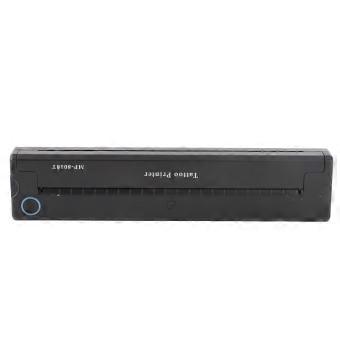
Open Cover Key: Press the open cover key, you can open the cover for cleaning and paper jamming operation.
How to use1.Application Installation
You can scan the QR code on the box to download the APP.
2.Power on off
Power on: Long press the power button for 2S until the indicator light is on.
Power off: Long press the power button for 2S until the indicator light is off.
After power on, you can connect the printer Bluetooth in APP, if you can t connect the Bluetooth, please check whether the machine has power, if not, it can be connected with a full charge.
3. Paper feeding operating
Printing paper direction identification
※ the yellow side up, white side down neatly into the printer input port, the print paper can be automatically sucked in, if not automatically sucked in, you can also manually open the cover key jam.
4. Paper jam, abnormal processing and cleaning
Press the right side of the host to open the cover button, you can open the cover assembly to rotate at a certain angle
5.Connecting Application
After the device is turned on, open the APP, click on the upper right corner of the not connected button, enter the add device list, click on the device to connect Bluetooth, you can print.
Tip: When connecting, please make sure the Bluetooth of your cell phone is on, and the device is close to your cell phone.
6. Printing paper type
It is recommended to use specific paper, non specialized paper may not be environmental, can cause paper jams or inaccurate reading of the feed, which can easily cause to skewed printing.
7. Frequently Asked Questions
Q: APP add devices, not found to be connected to the device?
A:Please check whether the device is turned on to ensure that the Bluetooth is in working condition.
Q: What should I do if the device cannot print?
A: Check whether the cell phone Bluetooth has been turned on, and exclude the possibility of others connecting this device.
Check whether the tattoo printer jam.
③ print head is overheated, if overheated, please wait for the print head to cool down before trying to print.
Q: Why print out all white paper, no content?
Answer:It may be caused by the print paper is not installed correctly, please refer to the introduction to replace the print paper to re install.
Q: Why are the words printed out faded?
A: Please check whether the device is low battery.
Check whether the print head is covered with stains, please dip the alcohol cloth gently wipe clean!.
Package List:
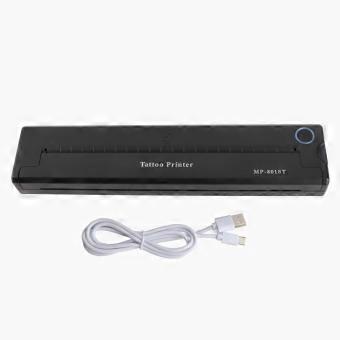
1 x Transfer Machine1 x USB Charging Cable1 x Manual
Note:
Do not charge or use the printer in hot, humid or dusty places.Please use 5V 2A input for charging or use cell phone power adapter for charging.Do not touch the print head directly after printing to prevent overheating.Insert or remove the charging cable gently to prevent damage to the connector.Improper charging may cause damage to the print headUnplug the charging cable when charging is completePlace the printer on a sturdy and stable level surface to prevent the printer from slipping and being damaged.When the machine is not in use for a long time, please turn off the power of the machinePrevent foreign objects from being transferred into the machine, so as not to cause malfunction or other risks.Cu...
-
Fruugo ID:
550305784-1113644864
-
EAN:
758139757424